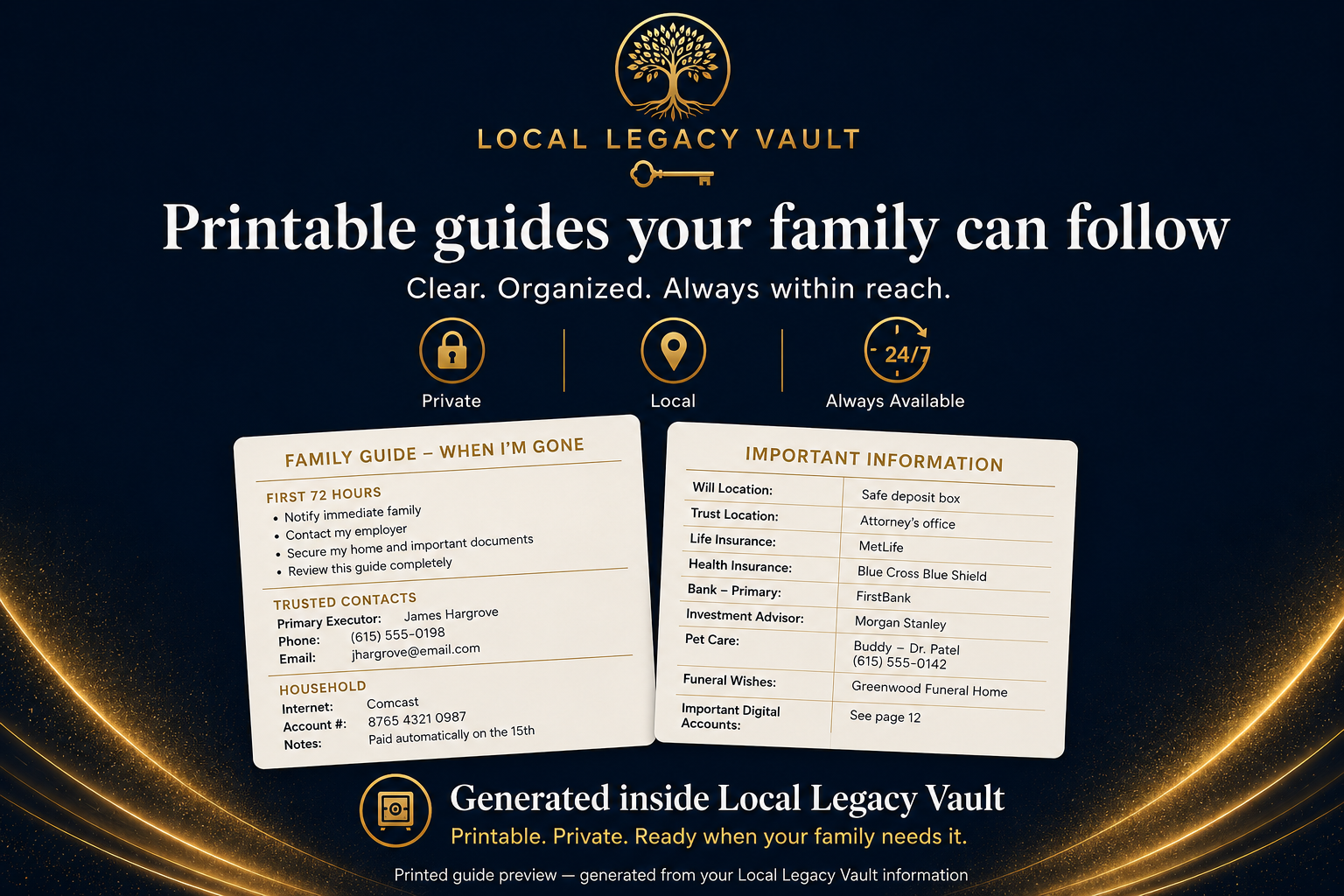
First 72 Hours
Clear guidance for the first urgent decisions, calls, responsibilities, and next steps.
Generated from your vaultLocal Legacy Vault helps you organize important contacts, documents, household details, wishes, and instructions—then turns them into clear plans your family and executor can follow. Your encrypted vault stays on your computer.
Your license does not expire. Optional services and future major-version upgrades may be offered separately.
Local Legacy Vault turns the details you organize into practical, family-ready guidance.
Clear guidance for the first urgent decisions, calls, responsibilities, and next steps.
Generated from your vaultA structured overview of the people, information, wishes, household details, and instructions your family may need.
Printable and exportableA focused plan for the person responsible for carrying out your instructions and handling practical matters.
Designed for clear follow-throughAdd your important contacts, accounts, property details, insurance information, household instructions, wishes, and document locations.
Local Legacy Vault brings the information together into clear plans for your family and executor.
Keep the encrypted vault on your computer, create backups, and print or export the plans your family may need.
Local Legacy Vault keeps your information private, but preparation still requires a clear handoff. The Family Handoff Setup helps you record how your trusted person can locate the device, backup, recovery instructions, and printed plans.
Choose a trusted person
Decide who should know that your vault exists and where your instructions are kept.
Create your family-ready plans
Generate your Family Legacy Plan, Executor Legacy Plan, and First 72 Hours guidance.
Prepare secure access
Create a backup and recovery file and store them separately from your computer.
Leave clear retrieval instructions
Record where the computer, backup, recovery instructions, and printed plans can be found.
Your password should always be stored separately from the access card.
You decide what to include. Local Legacy Vault gives it structure.
People and Contacts
Family, trusted contacts, professionals, caregivers, and important relationships.
Home and Property
Property details, household instructions, vehicles, utilities, and maintenance information.
Financial and Insurance
Accounts, insurance policies, recurring obligations, and document locations.
Legal and Administrative
Estate documents, identification records, professional contacts, and important instructions.
Care and Personal Wishes
Medical preferences, dependents, pets, personal wishes, and family guidance.
Digital and Account Information
Online accounts, subscriptions, devices, access instructions, and important digital details.
Start with what matters most. Add more at your own pace.

Local Legacy Vault is a desktop application. Your vault is encrypted and stored locally on your device. Your personal legacy information is not uploaded to Local Legacy Vault servers.
What this means
You maintain control of the device, backups, password, recovery file, and printed plans.
Your software license does not expire. Continued use of the purchased version does not require an active subscription.
Choose the lifetime license that matches how many personal computers you need.
Personal Lifetime License
Lifetime license — no required subscription
For one person using Local Legacy Vault on one personal computer.
Dual Device Lifetime License
Lifetime license — no required subscription
For one person using Local Legacy Vault on two personal computers.
Your Local Legacy Vault license does not expire. Continued use of the purchased software does not require a subscription. Optional services and future major-version upgrades may be offered separately.
No. Local Legacy Vault is a desktop application, and the encrypted vault is stored locally on your computer.
Local Legacy Vault helps you organize important details, instructions, and document locations. Only include files or information supported by the current application.
You prepare the handoff by creating backups, recovery instructions, printed plans, and a clear record of where everything is stored.
No. Your purchase includes a lifetime software license that does not expire. Continued use of the purchased software does not require a subscription. Optional services and future major-version upgrades may be offered separately.
No. Local Legacy Vault is an organizational and preparedness tool. It does not replace legal, financial, medical, or estate-planning advice.
Organize the practical details, create the plans they may need, and keep everything privately under your control.
Lifetime license. Private desktop software. No required subscription.
Optional services and future major-version upgrades may be offered separately.